
Description
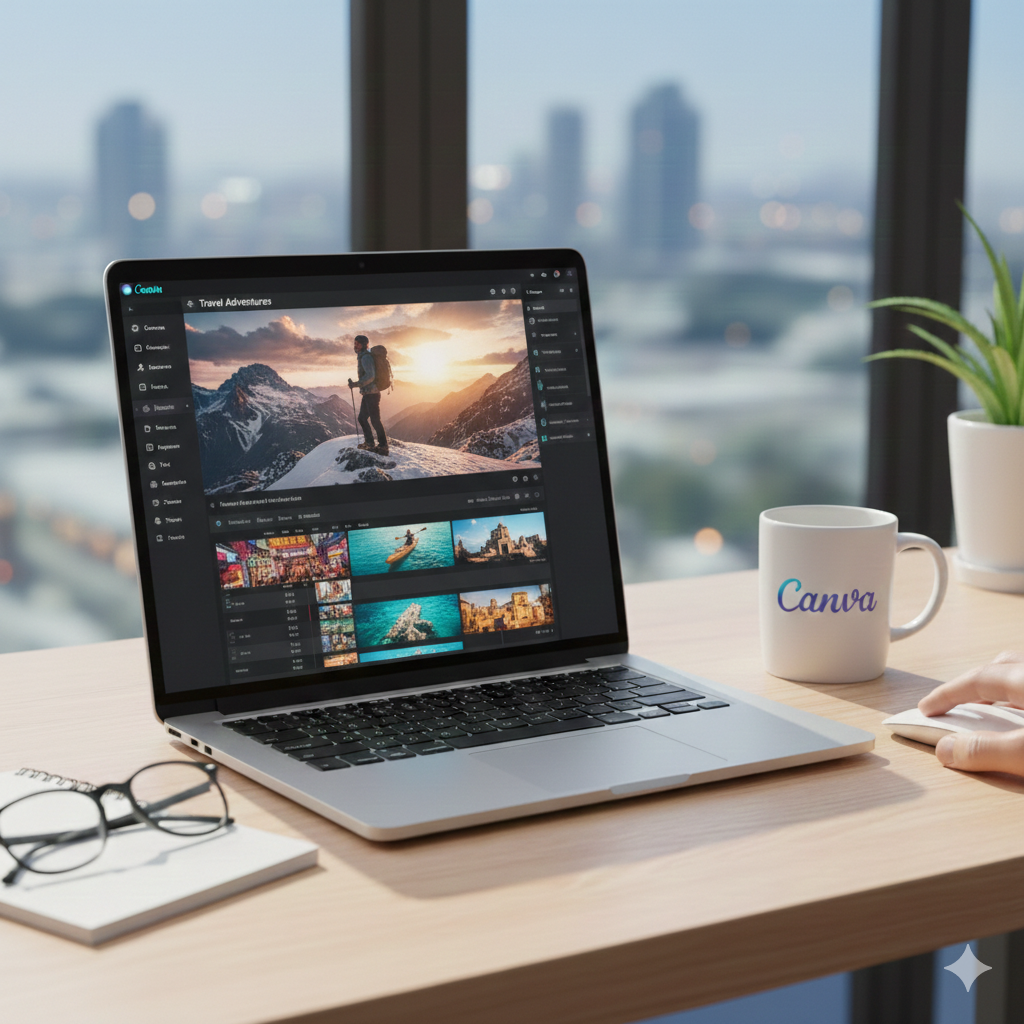
Canva has evolved from a simple graphic design tool into a sophisticated, multi-track video editing platform that rivals traditional desktop software in terms of accessibility and speed. In 2026, the introduction of Video 2.0 and the Magic Studio suite has solidified it as a go-to choice for creators who need professional results without the steep learning curve of high-end editors.
Here is a comprehensive look at what makes Canva’s video editing ecosystem unique.
1. The Multi-Track Timeline (Video 2.0)
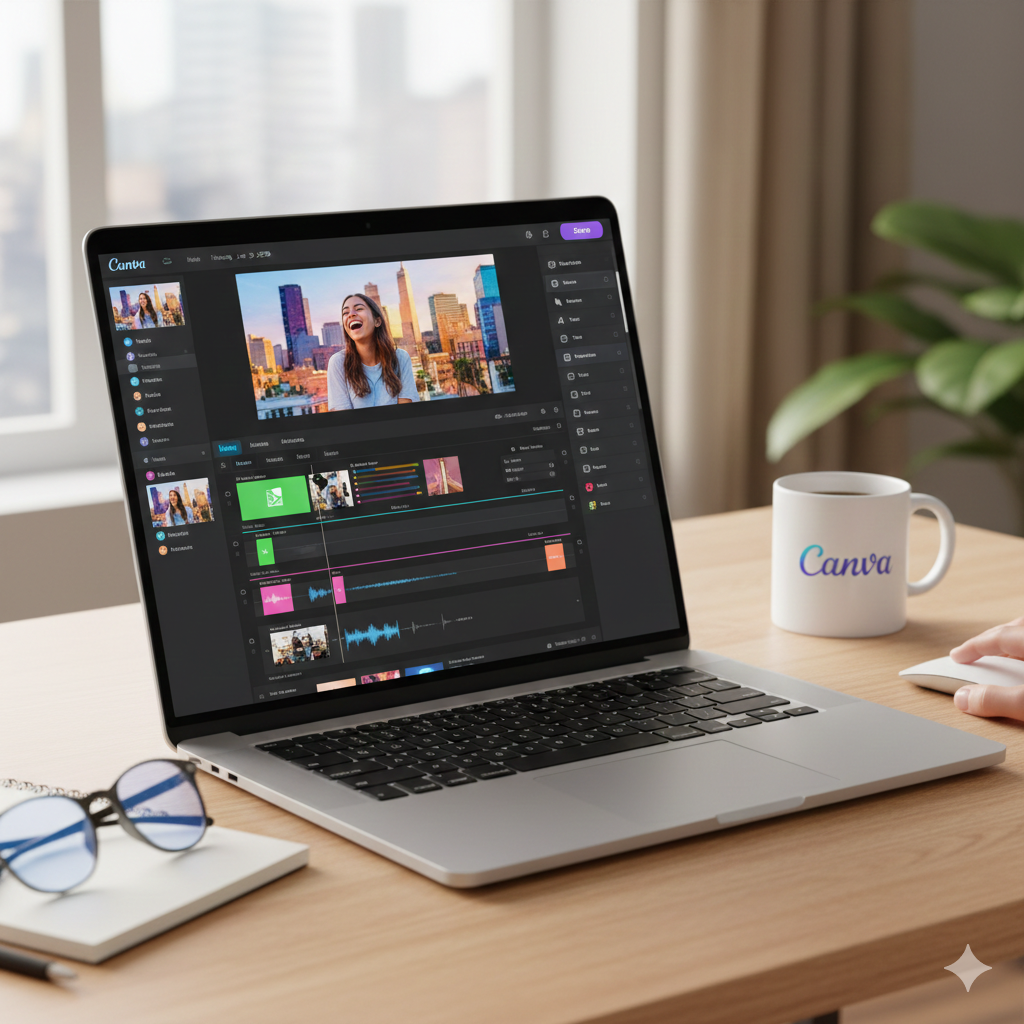
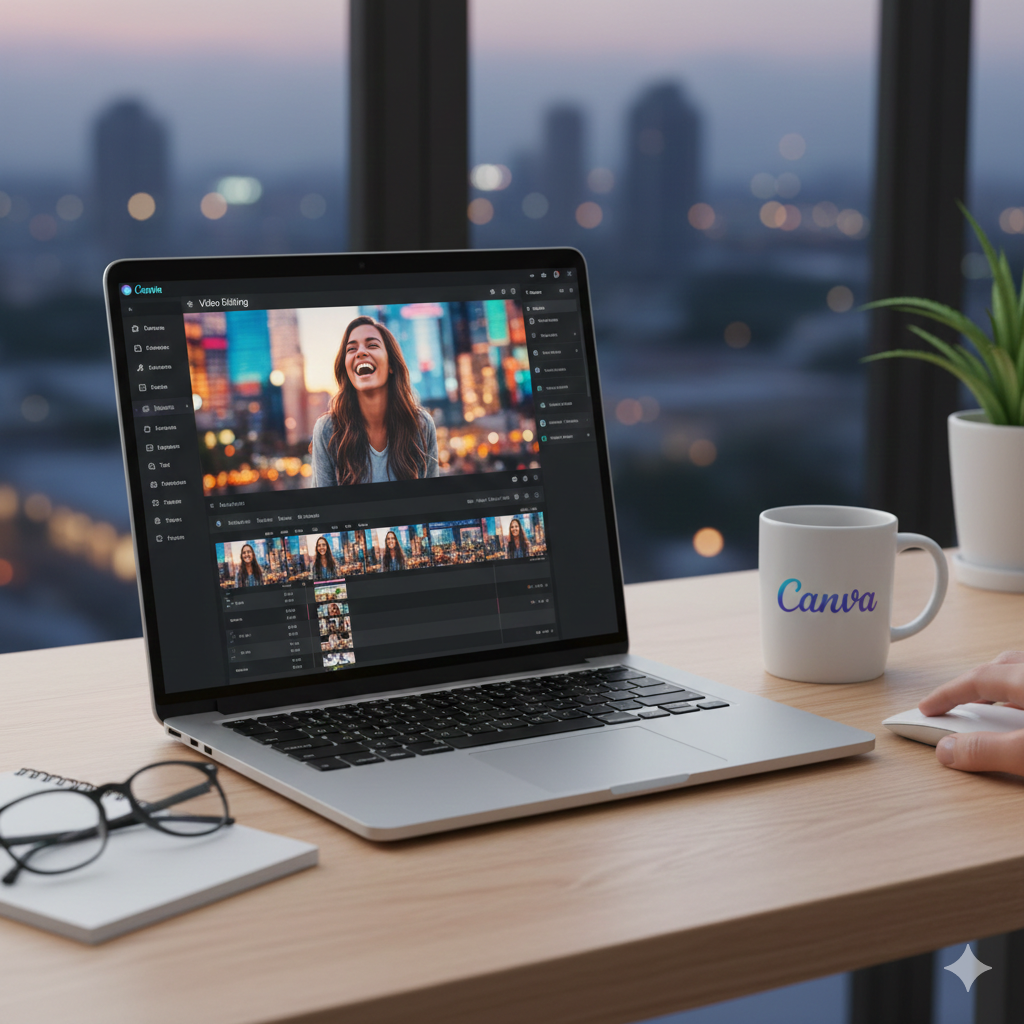
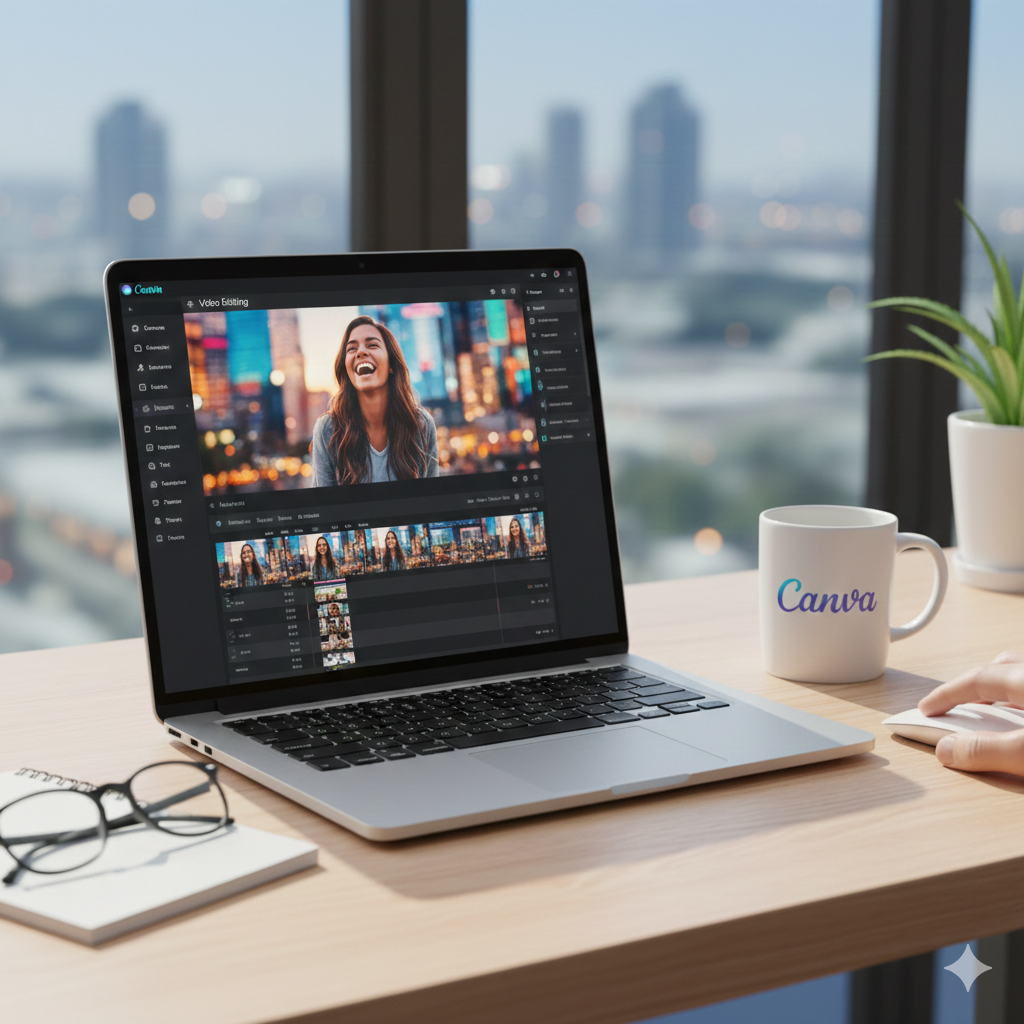
The heart of the 2026 update is the enhanced timeline editor. Moving away from “page-based” slides, Canva now offers a professional layering system:
Independent Layering: You can stack multiple video clips, transparent overlays, and graphics on separate tracks. This allows for complex “text-behind-person” effects and sophisticated B-roll placement.
Visual Audio Waveforms: For the first time, you can see the peaks and valleys of your audio. This makes “cutting to the beat” or syncing sound effects to on-screen action significantly faster.
Frame-Level Precision: The zoomable timeline allows you to trim clips with split-second accuracy, essential for high-energy social media content.
2. AI-Powered “Magic Studio” Tools
Canva has integrated AI into almost every step of the editing process to automate tedious tasks:
Magic Video & Instant Reels: Simply select a few photos and clips, enter a prompt, and Canva will automatically edit them into a cohesive video with transitions and a matching soundtrack.
AI Highlights: Instead of watching hours of footage, use the “Highlights” tool to automatically identify and extract the most engaging segments for TikTok or Reels.
Video Background Remover: With one click, you can isolate a subject from any background—no green screen or professional lighting required.
Text-to-Video: Generate unique, 1080p B-roll clips just by typing a description, perfect for filling gaps in your narrative.
3. Audio & Voiceover Suite
Sound is half the battle in video, and Canva’s tools reflect that:
AI Voice Generator: Convert scripts into natural-sounding voiceovers with various accents and tones, eliminating the need for external recording gear.
Audio Bridge & Sync: Automatically adjust the volume of background music when a voiceover starts (Auto-Ducking) and use Sync Beat to align transitions to your track automatically.
Extensive Library: Access millions of royalty-free music tracks and sound effects (SFX) directly within the editor.
4. Collaborative Branding & Workflow
Canva excels in environments where brand consistency and teamwork are paramount:
Brand Kits: Instantly apply your company’s colors, logos, and “Starred Fonts” to every clip to ensure a uniform look across all platforms.
Real-Time Collaboration: Multiple team members can work on the same video simultaneously—one person can be adjusting the script while another fine-tunes the transitions.
One-Click Resizing: Turn a 16:9 YouTube video into a 9:16 TikTok or a 1:1 Instagram post instantly using the Magic Switch tool.
Best For:
Social Media Managers, Small Business Owners, and Educators who need to produce high-volume, high-quality content without spending hours on technical configuration.
Reviews
There are no reviews yet.